Tuesday, 21 January 2020

Roblox day #5


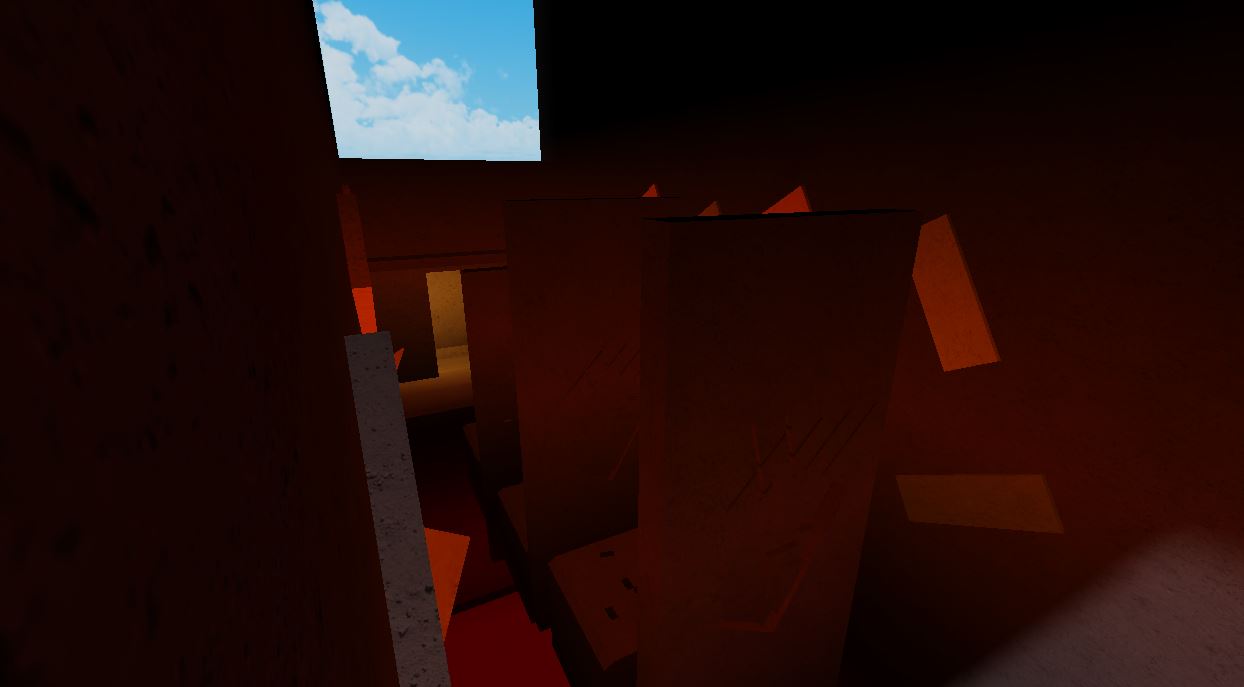
today i was adding more detail (yes i know more detail) to my cave, level, later in this blog post you can see the thing i learned that helped me do this.


Here is one of the walls, i added colored bricks with the concrete texture to make it caved like


 Here is the other one of the walls, this is just a different angle of the same type of concept


here is the bottom ill add a zoomed up photo below, but you can see i added details in the floor by making square/rectangle type cuts out of the floor and the walls, to make it look old


Here is the floor, you can see i used the union tool to add cuts/gash's taken out of the bottom


here is the wall, i feel the wall looks super cool and unique as its no just flat, the depth makes it pop out


what did i learn


When the collision box as seen above is highlighted, the  blocks can't go inside eachother, meaning you can put much deatil into your build, or atleast not as simply as most people who use this tool

When your both isnt highlighted it mean's objects in studio can collide and make it so u can do extra deatail or move the blocks location more simply




Roblox Day #4

Today i used the union tool (seen on day #2) to add more detail as seen in the following photos


Here you can see i made the walls have more Depth to them then before and all and all making it look way better


Here you can see i made depth as well as built a scene into the wall
the scene in the wall is paint the picture of a miner who was digging out a hole and stopped mid way, as you can see by the pickaxe like swings at the top


What will i do tomorrow
     tomorrow i will try to learn more about it as well as make my level be more harder than it is

Roblox Day #3

I learned today truss (object that allows you to climb cannot be shrunk in width, but can however be moved/ajusted via height
truss is seen here ----->
As well as that i learned that you can change the object moving and shrinking size, how to do that is seen in the gif below

Tmmr i will try to learn more and upgrade me level more

Thursday, 9 January 2020

roblox blog post #2


Roblox Blog Tutorial, Negating and detailing                      By James Dickson

Gamelink used:https://www.roblox.com/games/4584495093/Obby-For-Tutorials

Username:Hiipz


This is what i've been working on, this is a room that i put lost of detail in, here u can see i used many tools in it and i will show u what tools i used


     i used these three tools, union, negate and separate

Negate
---------
When you have a block selected you will get a blue outline like this


once u have it selected with the blue outline, go to the model tab at the top and u should see negate, click that and the block will turn transparent and red


 once its red put in a solid block and Shift + LClick both, or select both, then click union, it was put a hole in the sold = to the size of the negate block


and i used this for detailing


Tuesday, 7 January 2020

Roblox

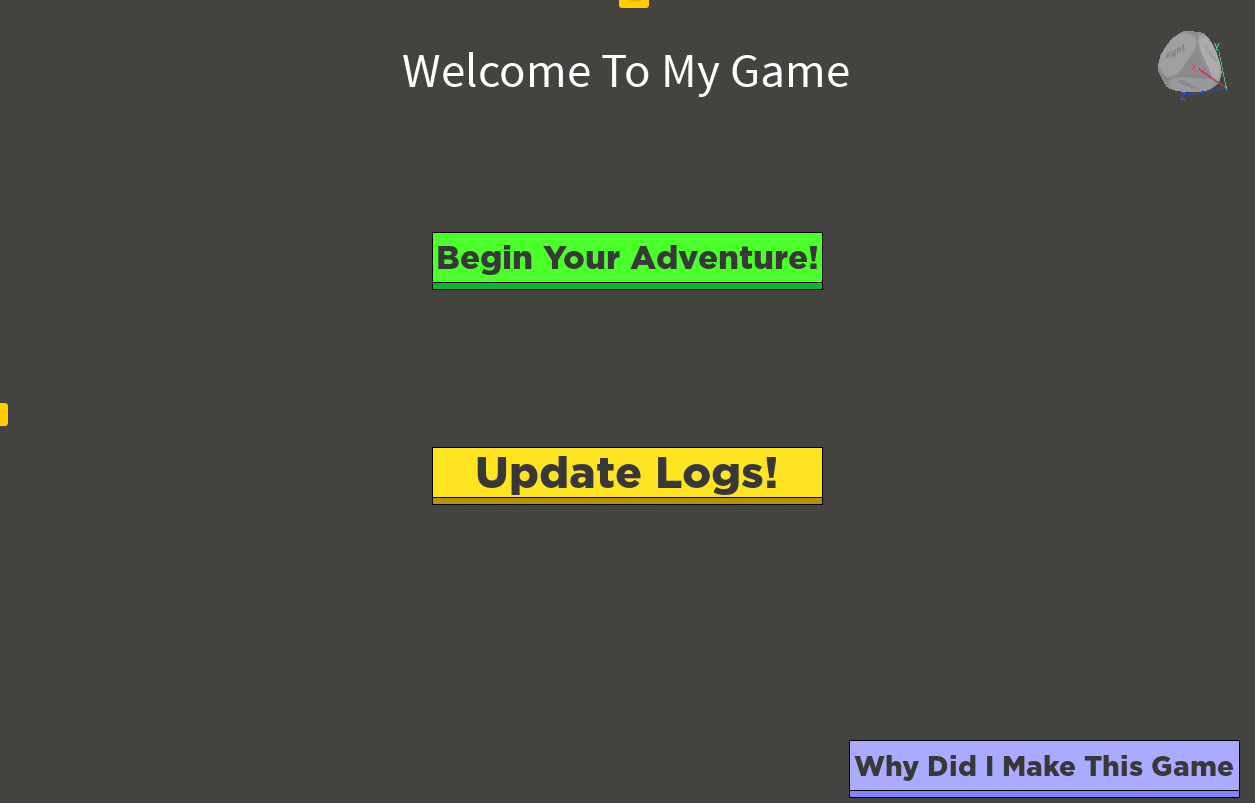
What Did You Do Today: I made a starting gui for my game as seen here


Here Is The Script that make it work


What Did You Learn?
Today i learned that before u can make something do a function u have to state their propert at the top, i learned the hard way


the property is shown here


What will you do tomorrow? Your plan for learning and advancing...
tomorrow im planning on making portal that teleport the player to 3 games, each with its own difficulty, easy medium, hard


Wednesday, 11 December 2019

Day #4 still filling out but feel free to mark

Game Journalism Day 4


the little things


What did you do?


  • Tell a story - a story with pictures especially about when you found (or made) these little things:


I was exploring a cannon when i saw a cave enterence, i was greeted with a "Keep Out Sign" so i walked up to it thinking i was able to walk through it when i started moving more to the side and stubble apon this cave, this cought my eye.


i found this cause there was a massive hole in the ground with trees inside it, then i saw a dead seeker, so i looked around to make sure there wasn't one, and there was a tee-pee in the hole, i walked in and this is what i was greeted by.


here is my wobble head collection, i played this game alot at home so i have alot, i have 12 counting the non wobbling parrot, if not i have 11, im missing some, but its a pretty big collection


it never said to post a photo of my ship but i just couldnt, this is my ship, it took alot of wood and nails, im owkring on killing a seeker


What did you learn?

  • Are you advancing?
  • what new TIPS & TRICKS can you share? ..with IMAGES

What is your plan for tomorrow?

  • tell your audience what is next for your adventure
  • add an image of your airship

Day #2

What did you do today?

i grab some items    (getting photos for the rest


  • image of seeker


  • image of a town from the air


  • image of your airship


What did you learn?


  • tips and tricks for your readers
The best way to get items is to get items form a smelter or a workbench as u dont need to go from town to town

answer the following with an image


What will you do tomorrow?
i will upgrade my air ship to look very epic gamer


Tuesday, 10 December 2019

day #3


What did you do today?


while i was grabbing stuff i got surprised by this seeker, i didn't notice it before but the seeker got a revamp than last version (info below)


What did you learn?
new things


they added more detail to the seeker texture and added better path finding, it hurts.. a lot, when he hits you, it does a quarter or your health, so when he hits you, your kinda doomed, and with the added stamina bar, you can only run so far, so he will catch up to you due to his fast walk speed, and take you out.


they added a wooden hammer, its just like the hammer you have, but if u lose your hold one your not left in the dust, only costs wood and some nails, not that hard to make


in this photo its a new place, there's not much added but its a new edition to this game, and give us more items and places to seek and explore than before, so it makes the game less bland, also the locations rotate, so now its random


What will you do next day?

im going to upgrade my airship next class its going to look very good as i haven't been focus on the ship, but next day im going to try to collect alot of bobble heads, and make a room just for them

Thursday, 5 December 2019

day 1

What TYPE of game is this?

This is a stealth survival that involves lost of thought put in to each move you make, as you dont want to alert the seeker


What do you did yesterday to win the game?

i was crouching (holding ctrl) to make as little noise, and only grab items if i needed to
Explain what you see and how to play the game.

in the beginning you spawn in a desert area where you have to gather items without anything, then you add fuel into the hot-air-balloon and fly away, it will auto drive you, you just have to keep a watch to know when you need to fly down
SIX- screenshots 

Items to collect


Here is a tin of food, this will help you gain hunger if u get to a low amount of hunger


here wood (left side) and rope (right side) the wood is used as fuel, the rope can be used for crafting


here is nails, this is super helpful for crafting and making wood to upgrade your ship


Thing to see

Here is what the area between house or buildings looks like


This is what the starting area looks like, i have no idea why theres a dead body, but if your into that stuff its there


Here is the second area, this will help you get more farther in items way as there is more things to take/barrow 


What is your plan?
My plan is to get farther in the game so that i can just go to area to area wiping out seekers to get seeker head to farther decorate my ship